Create Stunning 3D Text with This Sketch Effect PSD
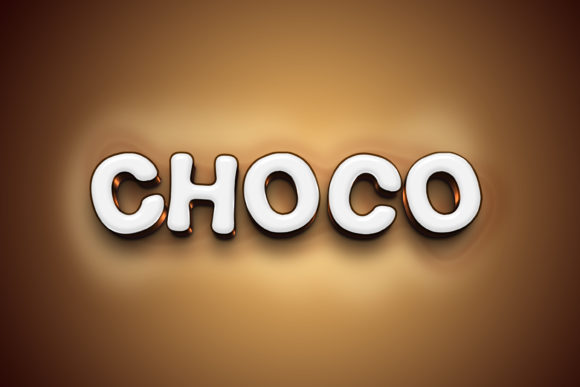
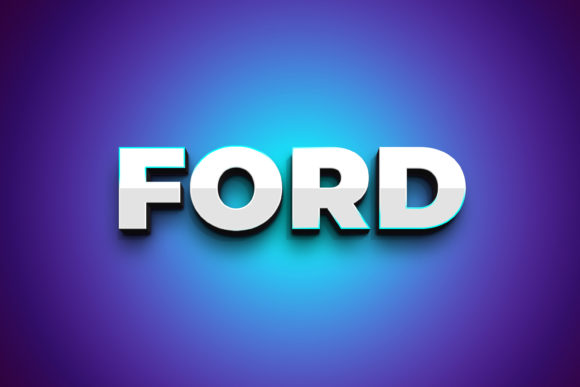
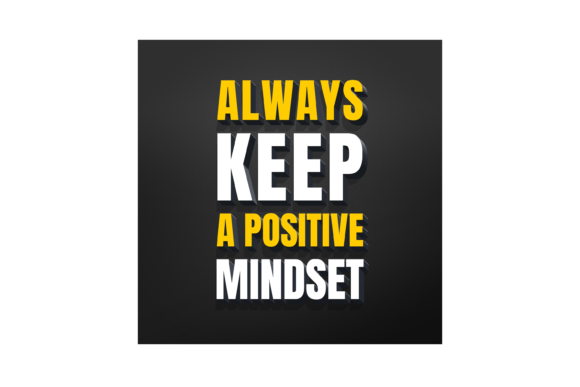
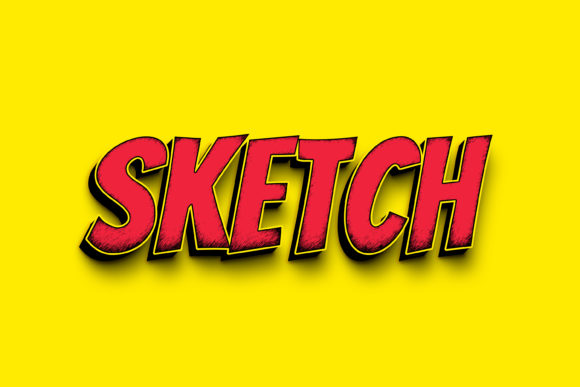
Imagine transforming flat, ordinary text into a bold, tactile 3D masterpiece in just a few clicks. The Sketch - 3D Text Style Effect PSD is a powerful design asset that does exactly that, offering a premium, handcrafted aesthetic perfect for projects that demand immediate visual impact. This isn't just another font download; it's a complete, editable template designed to inject depth and character into your typography.
At its core, this resource provides a high-resolution 3000×2000 pixel PSD file at 300dpi, ensuring your final output is crisp and print-ready. The true magic lies in its Smart Object replacement feature. You simply open the file, double-click the designated smart object layer, and replace the placeholder text with your own words, custom fonts, or even vector shapes. Once you save and close that window, the 3D sketch effect is automatically applied to your new content. The organized layers make further tweaks intuitive, allowing you to adjust shadows, highlights, and textures to match your specific brand identity or creative vision.
Where Can You Use This 3D Text Effect?
The versatility of this effect makes it a valuable addition to any designer's toolkit. Its unique, tactile quality is ideal for projects where you need to stand out. Consider using it for:
- Logo Design & Branding: Create memorable logotypes or brand marks with a distinct, handcrafted feel that builds recognition.
- Poster & Editorial Design: Make headlines and titles pop off the page in magazines, event posters, or book covers.
- Packaging Design: Add a premium, artisan touch to product labels and box art, especially for crafts, food, or boutique goods.
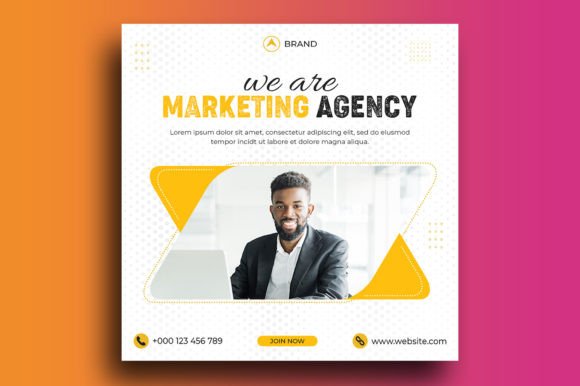
- Social Media Graphics & Web Design: Generate eye-catching thumbnails, banners, and hero text that stops the scroll and engages viewers.
- Merchandise & Invitations: Design standout typography for t-shirts, mugs, wedding invitations, or greeting cards.
Tips for Choosing and Using This Font Effect
While this asset is incredibly easy to use, a few mindful steps will ensure the best results for your modern typography projects. First, consider the mood. The sketch effect carries a creative, slightly informal energy. It pairs beautifully with clean sans-serif or elegant serif fonts for a balanced font pairing, but might clash with overly ornate script fonts. Always test readability, especially at smaller sizes, to maintain clarity.
Think about visual consistency. Use this effect sparingly for key headlines or logos to maintain its impact. Its strength is in display use, so it's perfect for hero text but not for body copy. Before downloading, always review the license to ensure it fits your intended use, whether for personal projects or commercial client work. This due diligence protects your investment and your professional reputation.
Ultimately, choosing a well-designed typeface or effect like this one is an investment in your project's visual language. It helps communicate your message with greater sophistication and professionalism, turning simple words into compelling design elements. By leveraging its smart object system and high-quality output, you can efficiently create polished, professional graphics that elevate your work and leave a lasting impression.