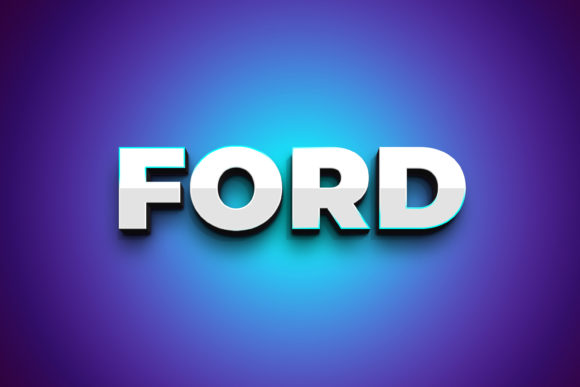
Ford 3D Text Style Effect PSD: Dynamic Typography for Modern Projects
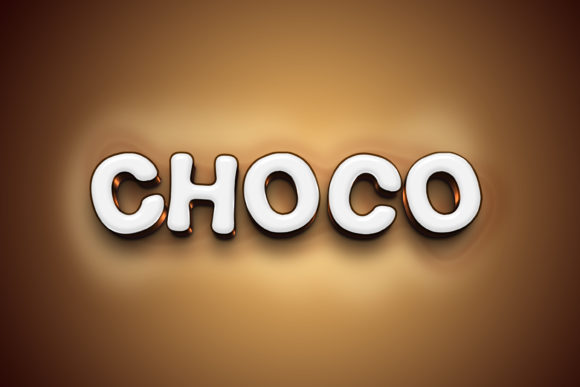
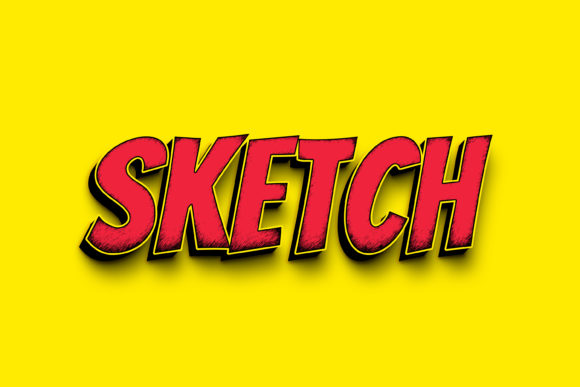
Transforming flat text into a stunning, three-dimensional visual is a powerful way to capture attention, and the Ford - 3D Text Style Effect PSD makes this process incredibly accessible. This design asset is more than just a simple font; it's a comprehensive Photoshop template that applies a professional, eye-catching 3D effect to your typography. It’s designed for creators who want to add depth, realism, and a bold statement to their work without spending hours on complex layer styles and lighting adjustments. The package includes a high-resolution 3000x2000 pixel file at 300dpi, ensuring your designs are print-ready and sharp for any digital display.
The true value of this asset lies in its seamless integration into your workflow. Using the Smart Object Replacement feature is straightforward: simply open the PSD file, double-click the designated smart object layer, and replace the placeholder text with your own. You can change the font, adjust the wording, or even insert custom shapes. Upon saving and closing the smart object window, the entire 3D effect updates automatically across your main design. This non-destructive editing method preserves the meticulously organized layers, making last-minute tweaks effortless.
Creative Applications and Design Flexibility
This 3D text effect is exceptionally versatile, fitting a wide range of creative and commercial projects. Its bold, dimensional quality makes it ideal for applications where visual impact is crucial. Consider using it for:
- Brand Identity & Logo Design: Create memorable logos or wordmarks that stand out with a modern, tactile feel. The effect can convey innovation and strength, perfect for tech startups, automotive brands, or creative agencies.
- Poster & Packaging Design: Instantly elevate event posters, product labels, or retail packaging. The three-dimensional text draws the eye and can help communicate premium quality and attention to detail.
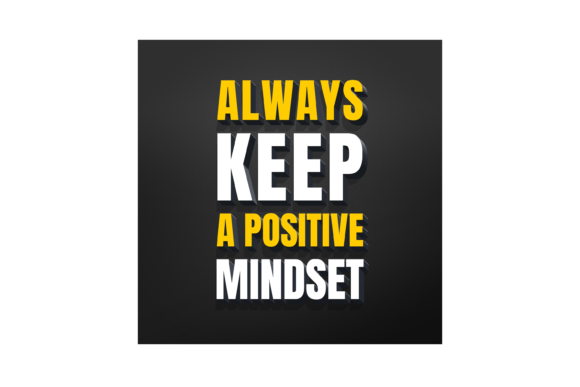
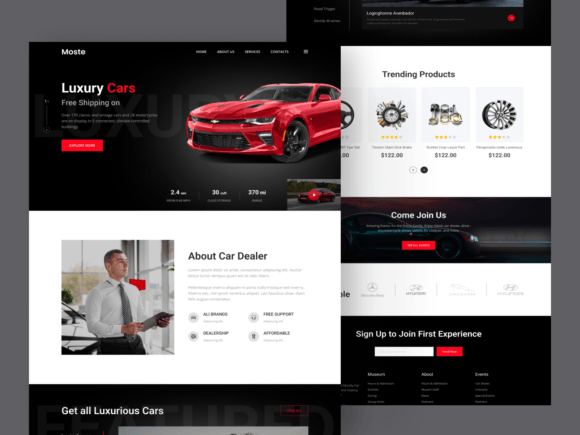
- Social Media & Web Graphics: Design scroll-stopping headers, promotional banners, or YouTube thumbnails that demand engagement. The high resolution ensures clarity even when scaled for different platforms.
- Editorial & Digital Products: Add dynamic chapter titles to digital magazines or create compelling cover art for e-books and online courses.
Practical Tips for Effective Implementation
To get the most out of this design asset, a few practical considerations can enhance your results. First, always test the effect with your specific text to ensure readability remains strong, especially at smaller sizes. The mood of the 3D style should align with your project's overall aesthetic; it pairs well with modern sans-serif fonts for a clean tech look or with bold serif fonts for a more traditional yet impactful statement. Experiment with font pairings by using the 3D effect for headlines and a simpler, complementary typeface for body copy to maintain visual hierarchy.
Review the organized layers within the PSD file. Understanding the structure allows you to further customize elements like shadow intensity, highlight colors, or extrusion depth if needed, though the default settings are professionally calibrated. Finally, ensure the license of the asset covers your intended use, whether for personal projects, client work, or commercial products. A well-chosen font or text effect is a fundamental building block of professional design, enhancing visual consistency, strengthening brand recognition, and ultimately presenting your work with a polished, confident edge.
Choosing a thoughtfully crafted asset like this 3D text effect saves valuable time and injects a level of polish that might otherwise require advanced skills. It’s a practical addition to any designer’s toolkit, offering a quick path to creating visuals that feel both contemporary and impactful. By focusing on assets that combine ease of use with high-quality results, you can consistently produce work that looks refined and professional.